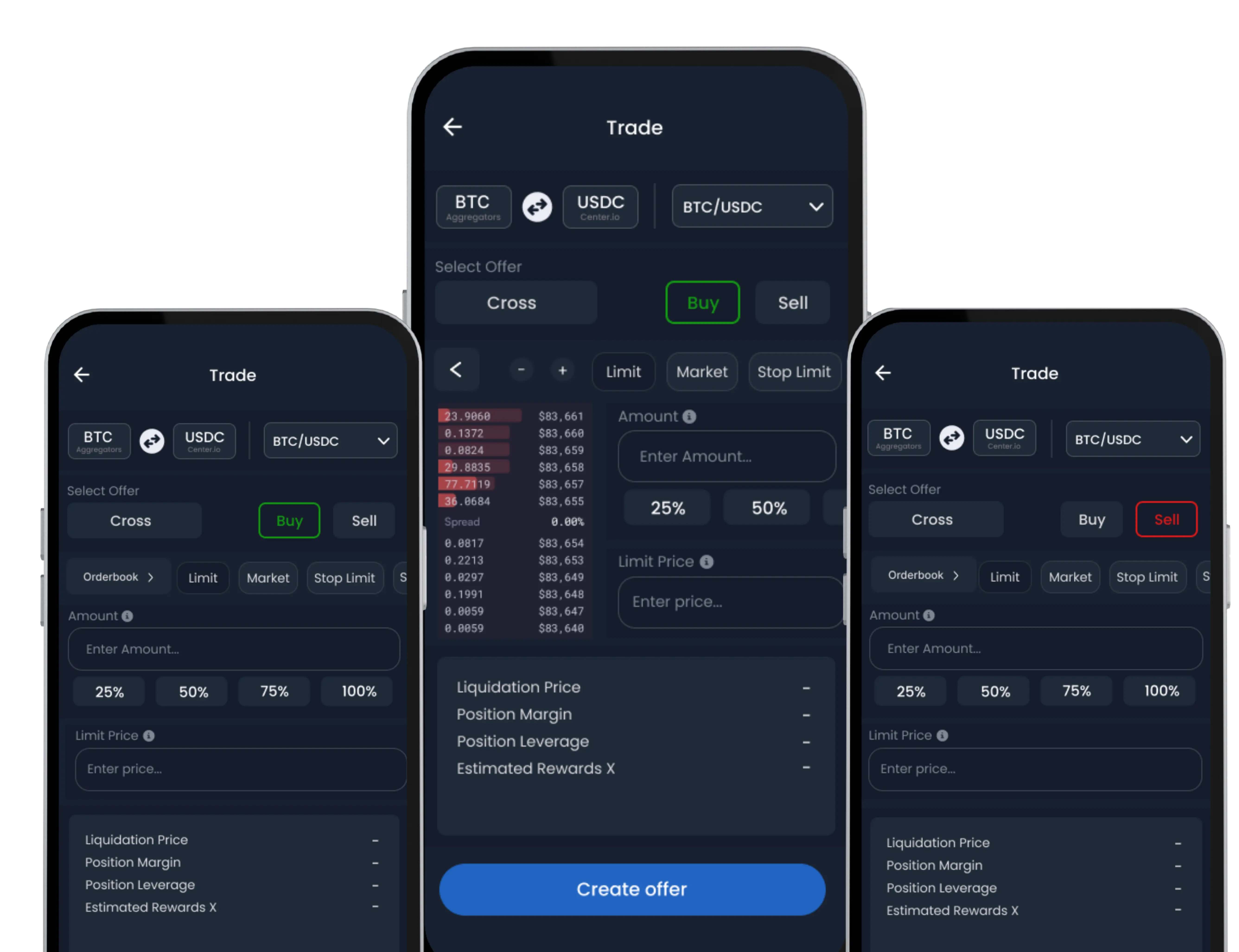
SwiftEx allows you to create a multichain wallet efficiently to manage your crypto assets across multiple blockchains.
-
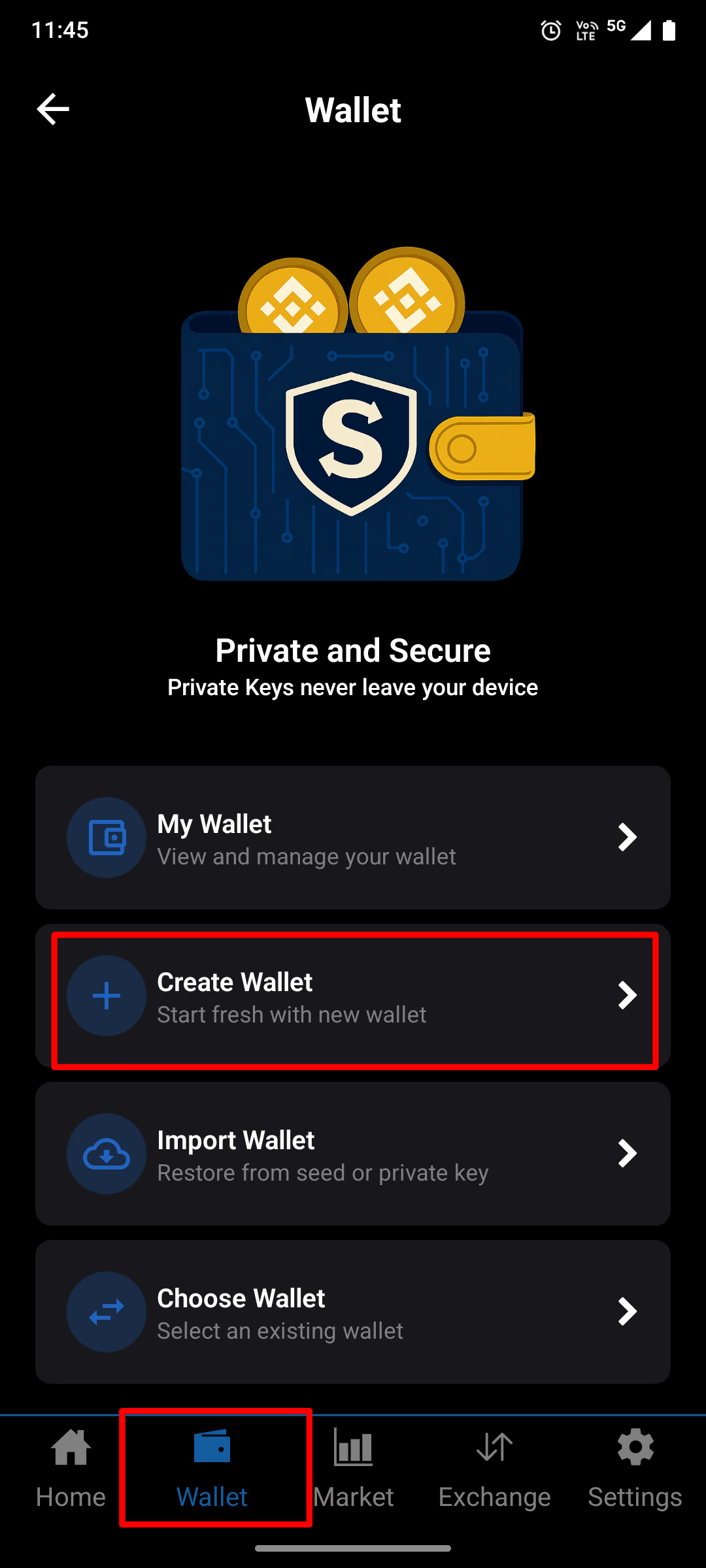
Go to Wallet Tab
Go to the Wallet tab and tap ‘Create Wallet’.
-
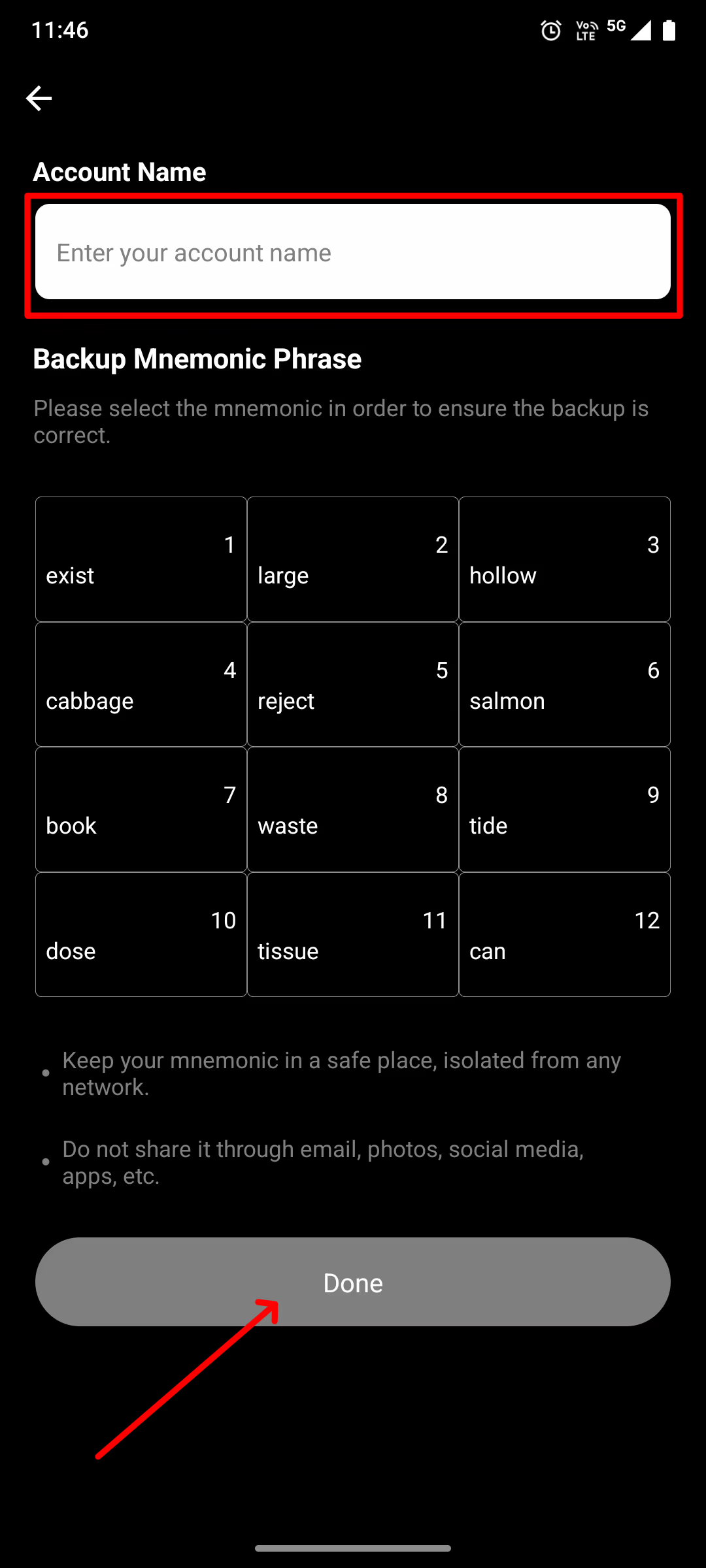
Name Your Wallet
Name your wallet for easy identification.
-
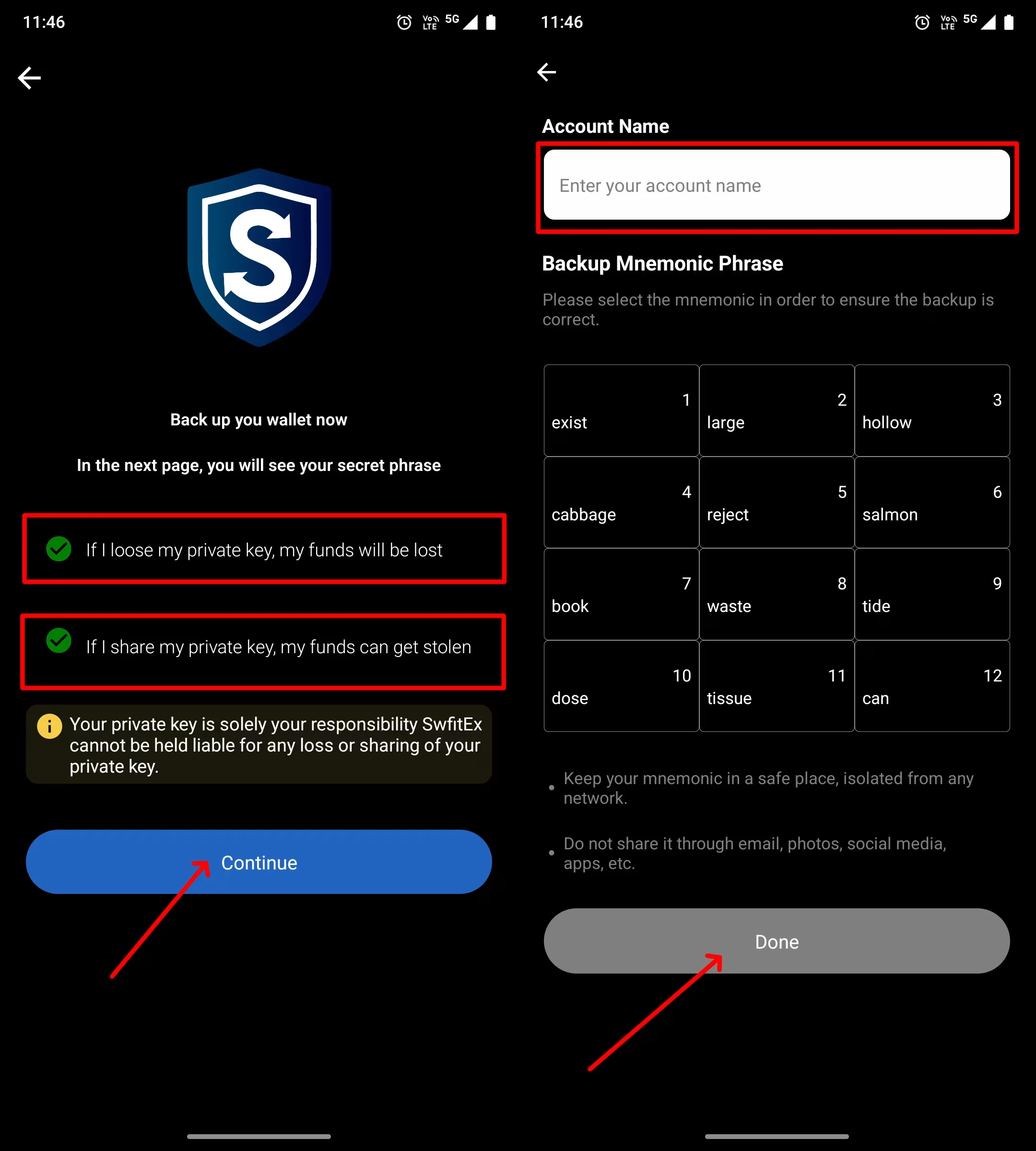
Receive Recovery Phrase
You’ll now receive a Recovery Phrase (also called a mnemonic or seed phrase). Write this phrase down and store it in a secure location. It is important to store the Recovery Phrase securely since anyone with access to it can gain full control over your funds and account.
• Do not share it with anyone, not even with SwiftEx support.
• Use a password manager or physically write it down and store it in a safe place.
-
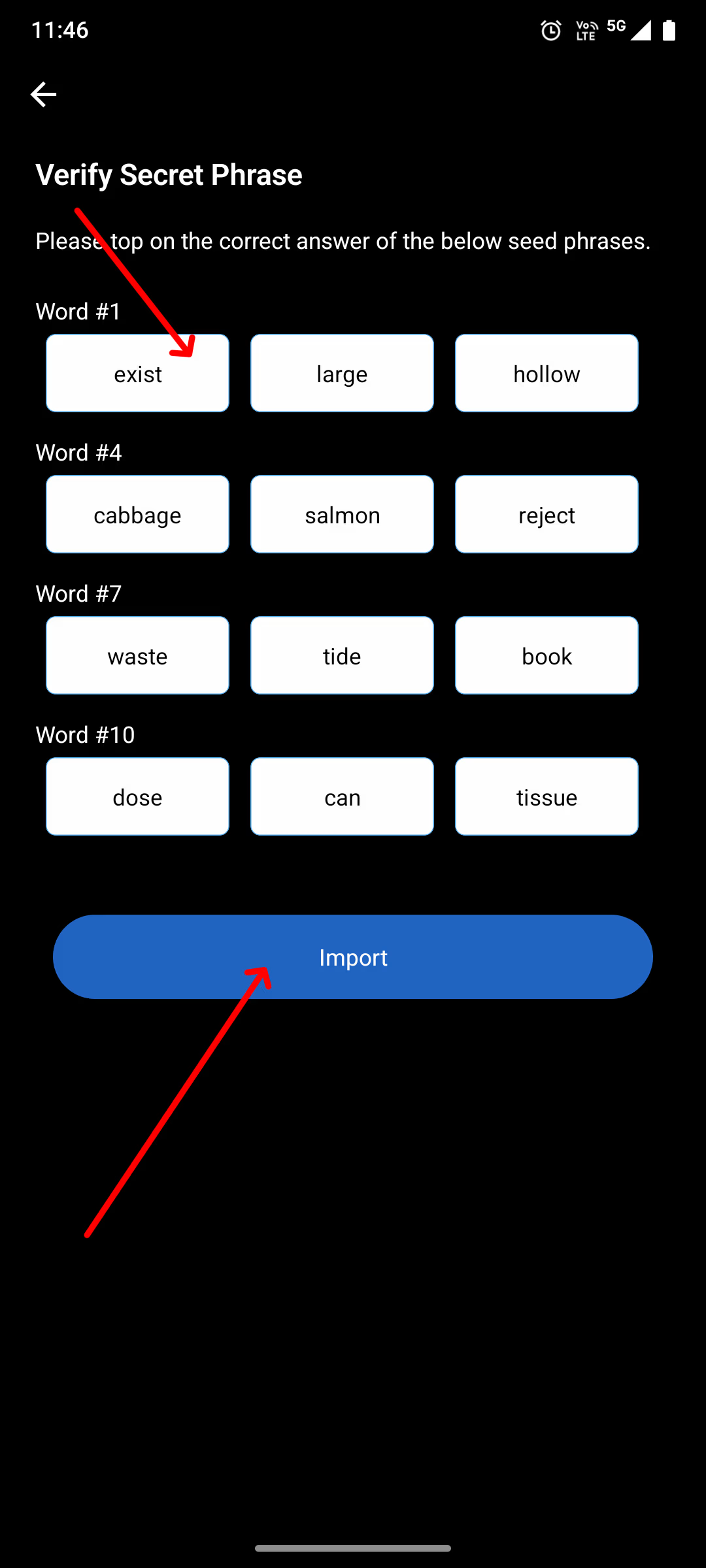
Confirm Recovery Phrase
Confirm the Recovery Phrase in the correct order to verify you’ve saved it properly.
Security Reminder
Anyone who gains access to your private key or recovery phrase can take full control of your wallet and funds. SwiftEx does not store or have access to these keys. Be sure to:
• Never share your keys with anyone, not even SwiftEx support.
• Avoid saving them in plain text on your phone or cloud storage.
• Use a password manager or write them down and store them in a secure physical location.