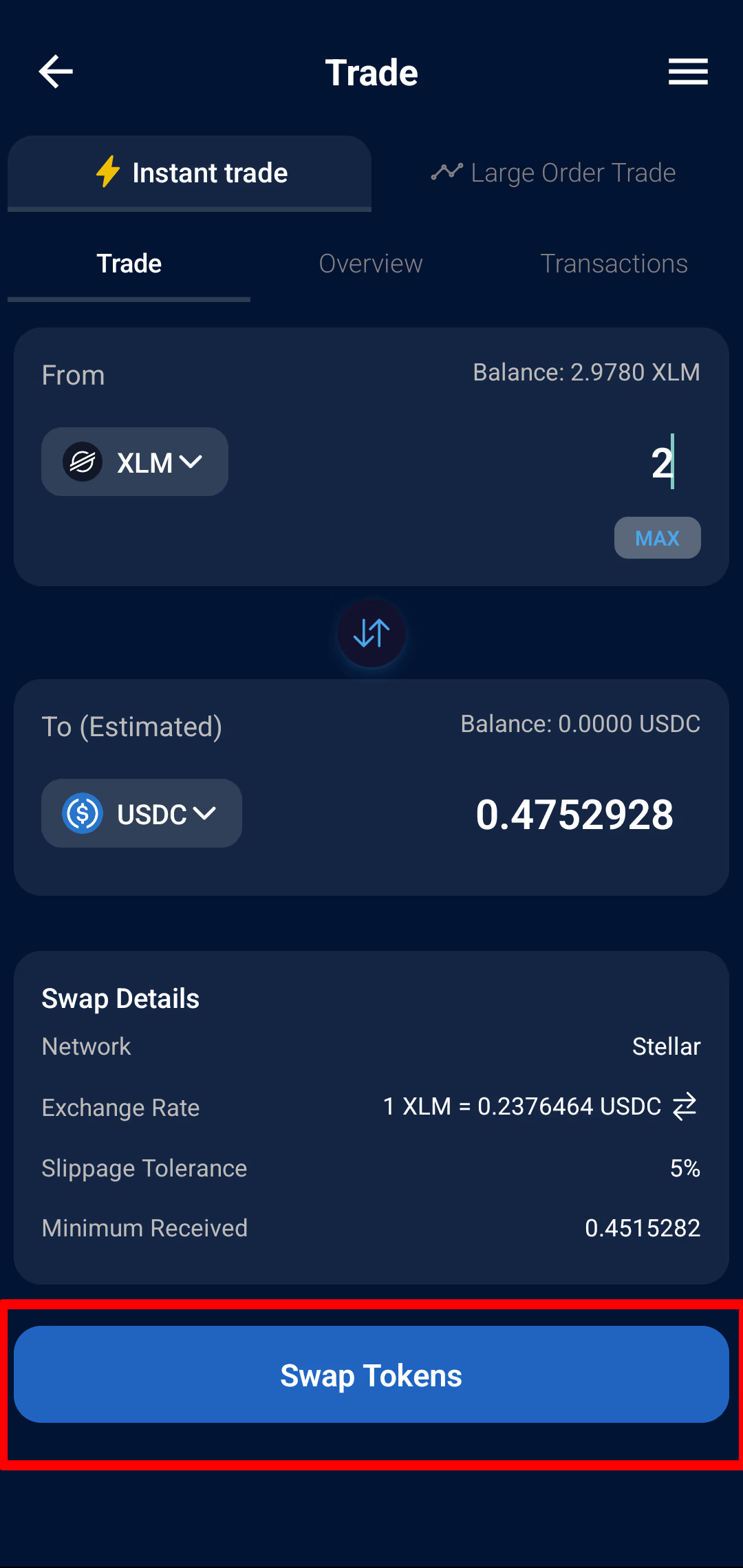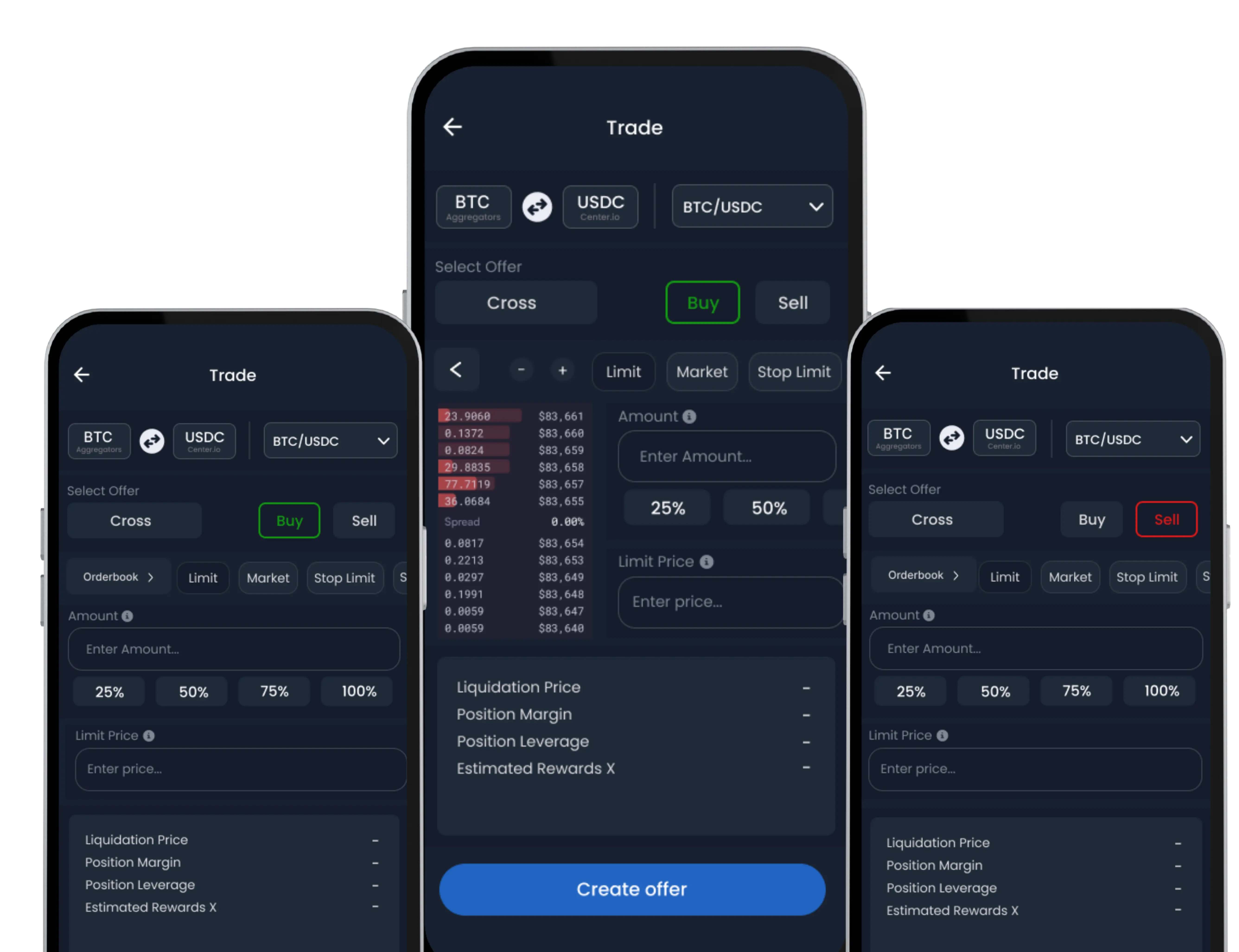
The Instant Swap feature on SwiftEx S-DEX allows you to quickly convert between supported digital assets using real-time price quotes. It is designed for users who want fast and simple asset conversion without complex interfaces.
Note: This feature requires Swap Wallet activation before use.
Follow these steps to convert one cryptocurrency into another using Instant Swap:
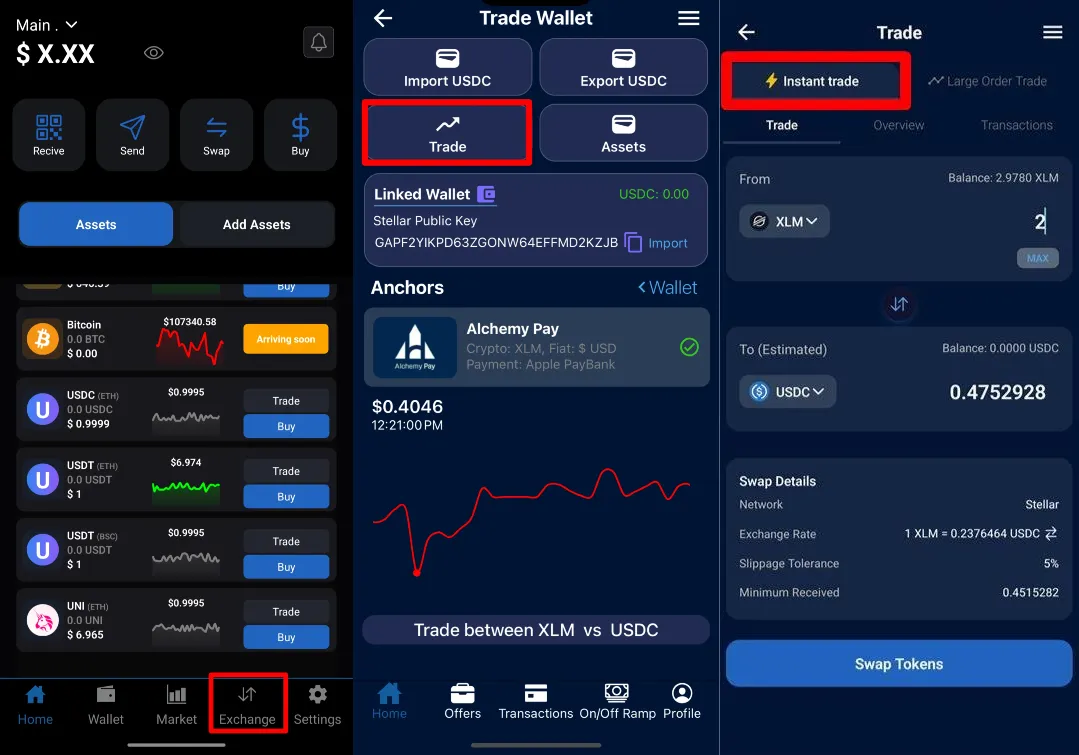
Step 1: Navigate to Instant Swap
From the default Wallet screen, tap the ‘S-DEX’ tab in the bottom navigation.
On the S-DEX screen, select ‘Convert Assets’, then choose ‘Instant Swap’.
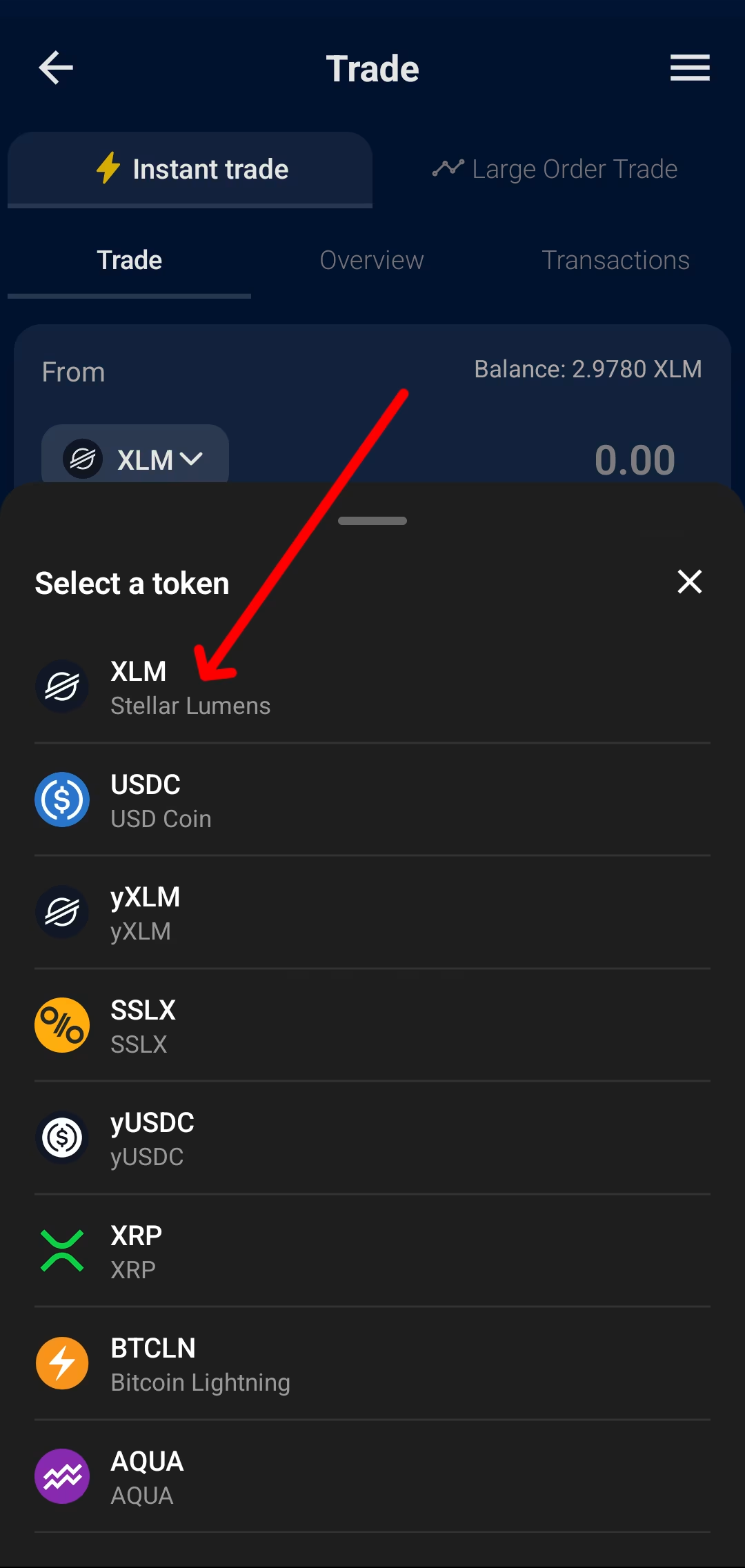
Step 2: Select Asset Pair
• Choose the asset you want to convert from.
• Choose the asset you want to receive.
Asset availability depends on supported networks and available liquidity routes.
Step 3: Enter Amount
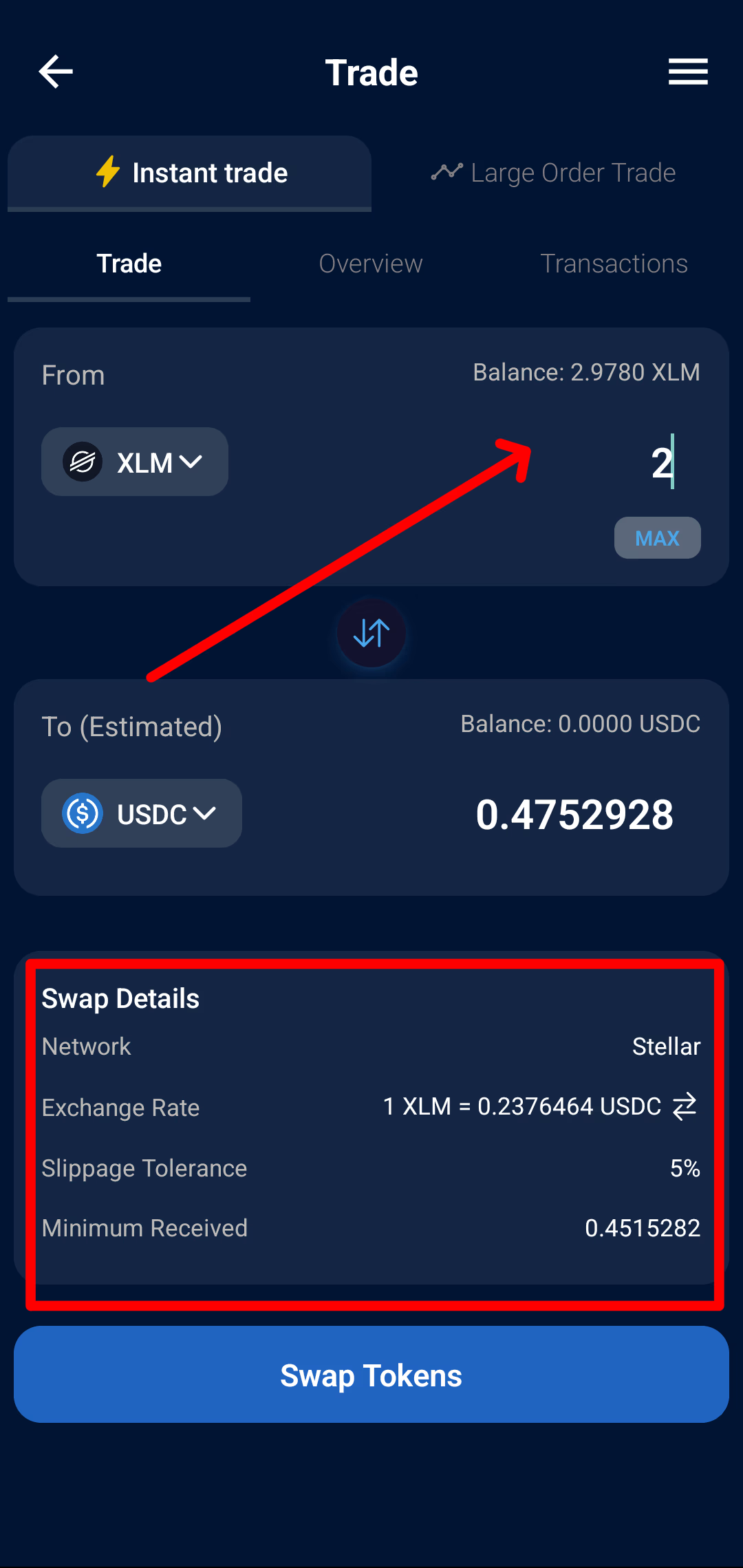
Enter the amount you want to convert.
The system will automatically calculate the estimated output based on current conversion rates.
Step 4: Review Conversion Details
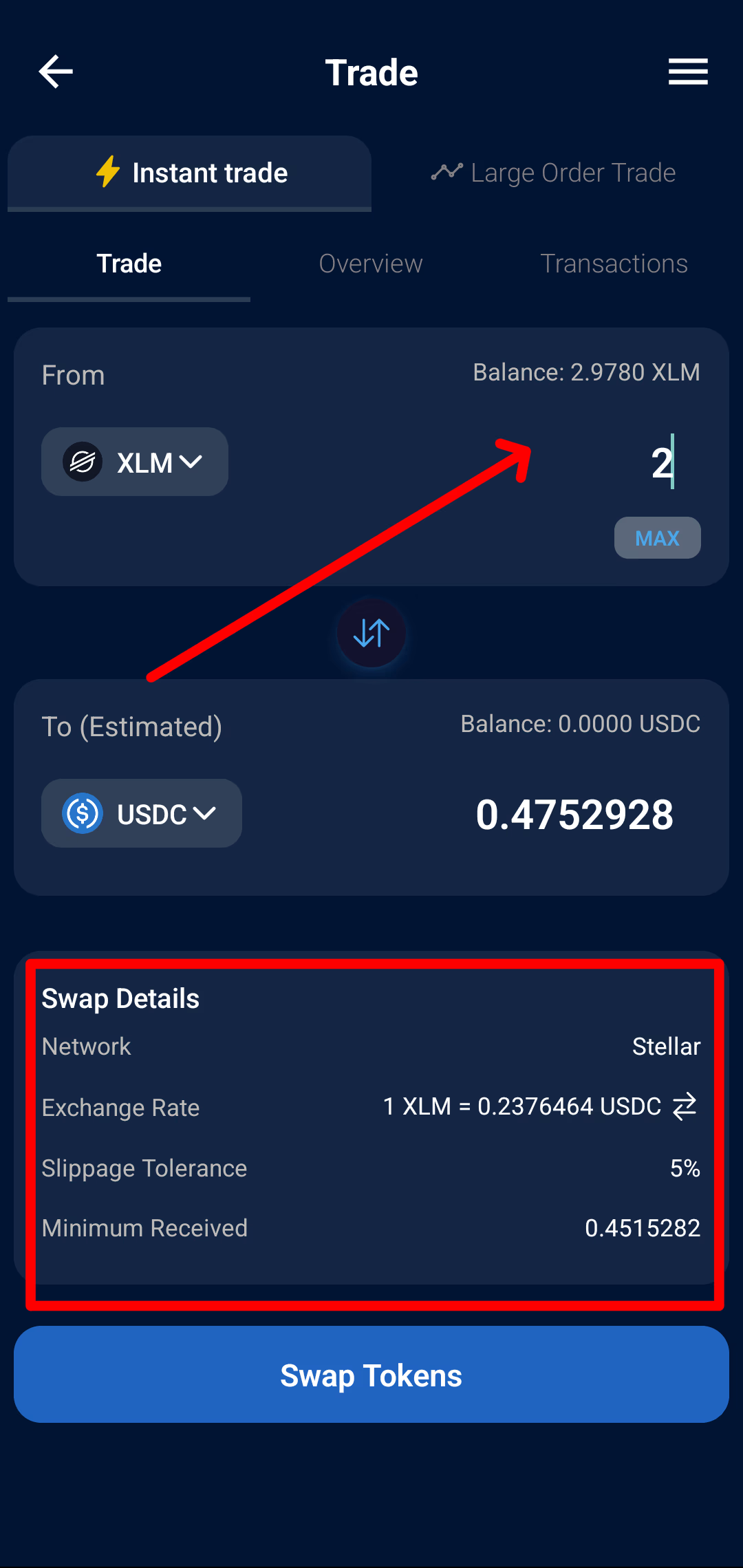
• Conversion Rate
• Estimated Network Fee
• Minimum Received
Review all details carefully before proceeding.
Step 5: Confirm Swap
Tap ‘Confirm Swap’ to complete the conversion.
The swap is processed using real-time quotes from integrated liquidity partners.
You can track the result in your Transaction History.