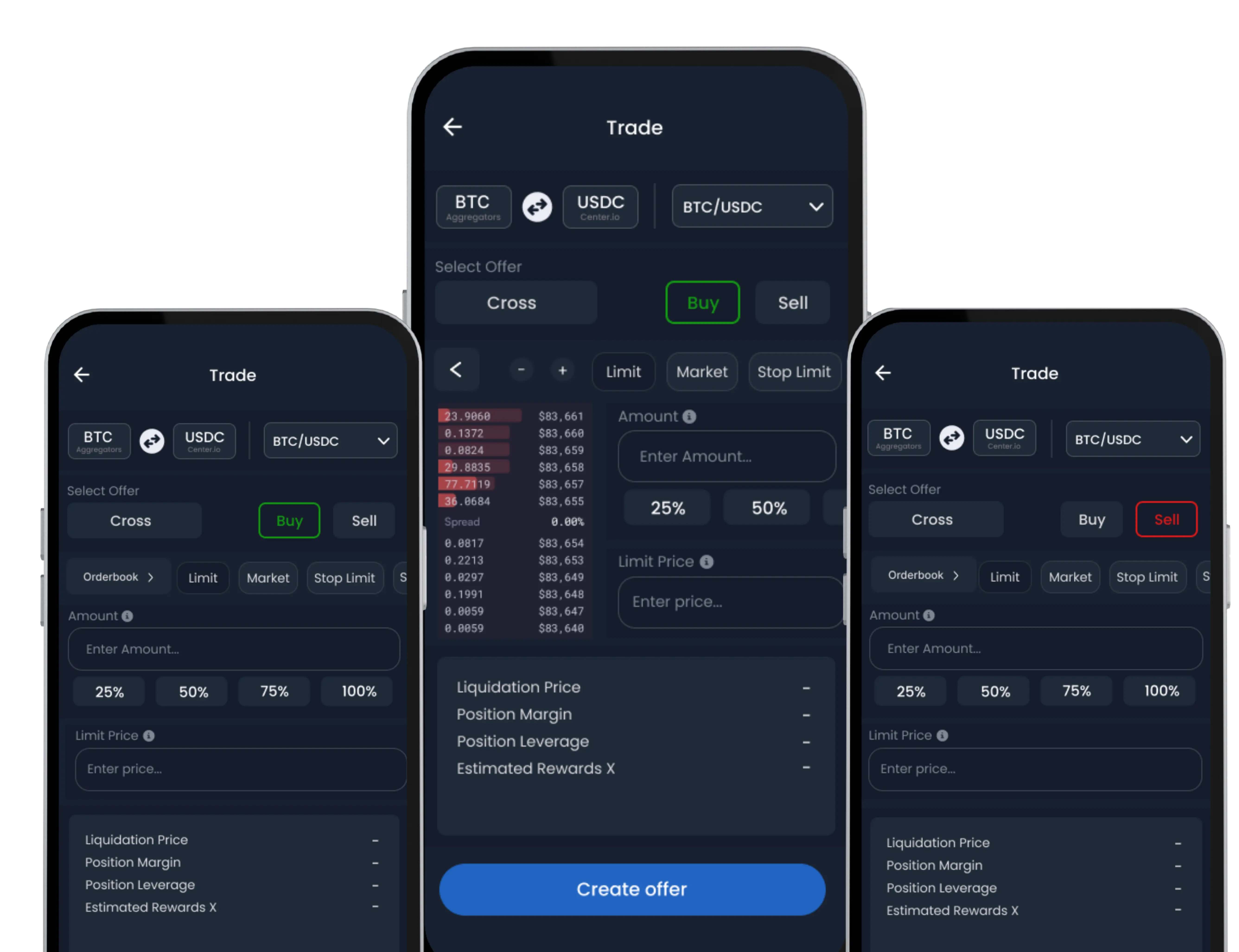
The Advanced Swap feature allows users to create custom conversion offers for larger volumes. You can define your preferred price and amount, offering greater control over how and when your assets are converted.
Note: This feature requires Swap Wallet activation before use.
How to Create an Advanced Swap
-
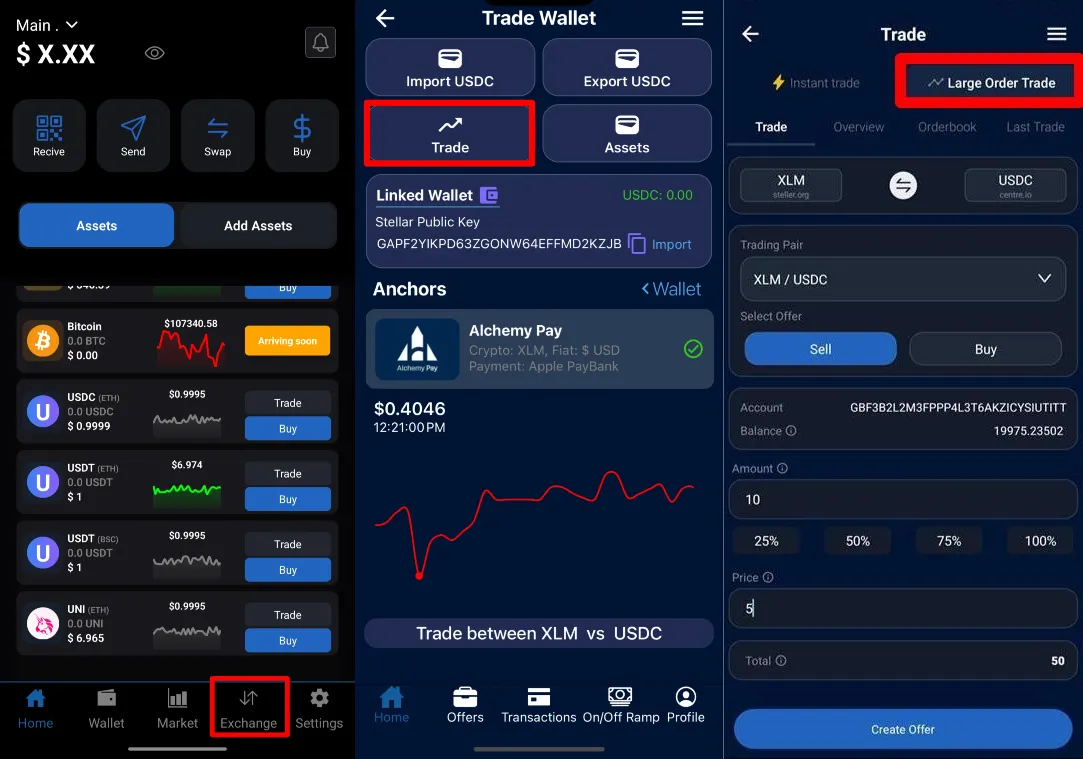
Navigate to Advanced Swap
Open the S-DEX tab → select Convert Assets → choose Advanced Swap.
-
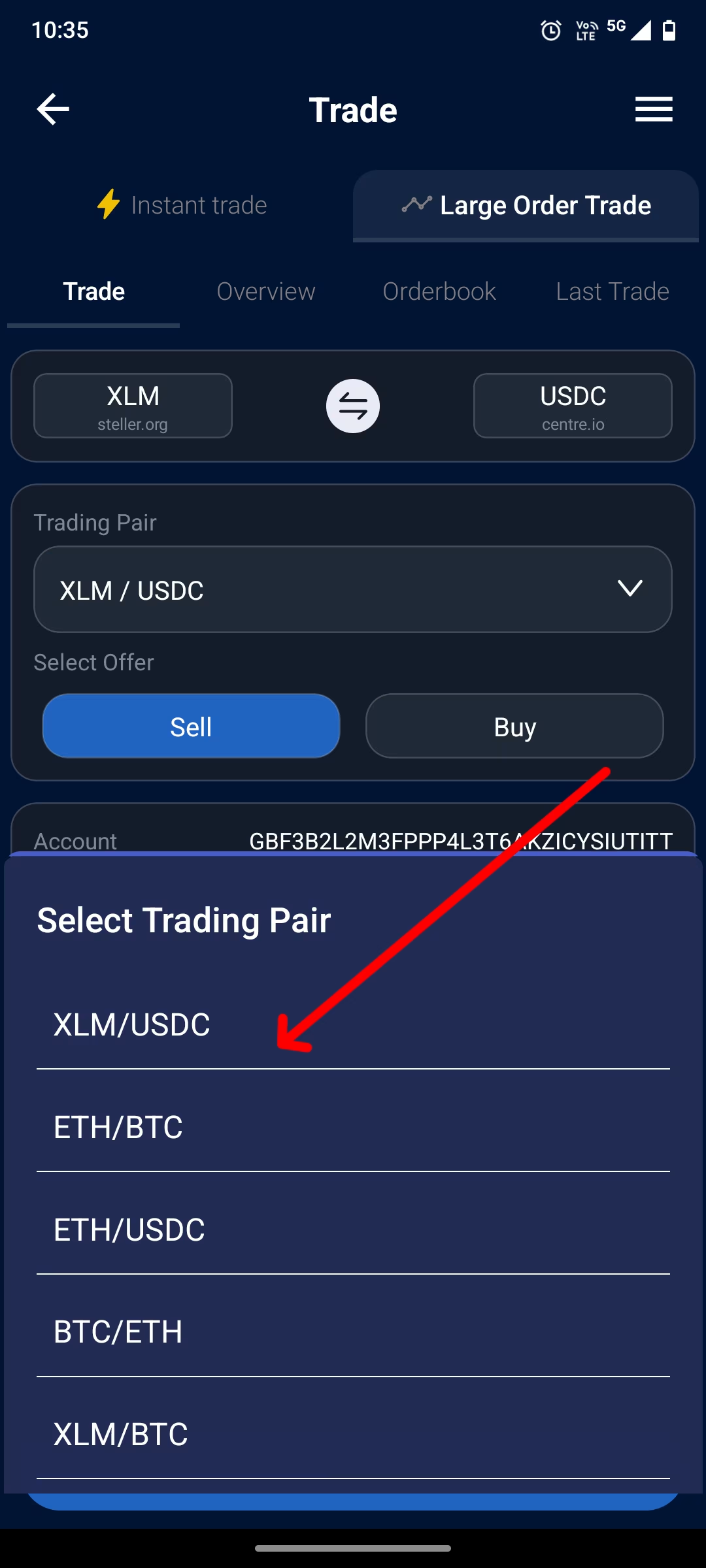
Select Asset Pair
Choose the assets you wish to convert between.
-
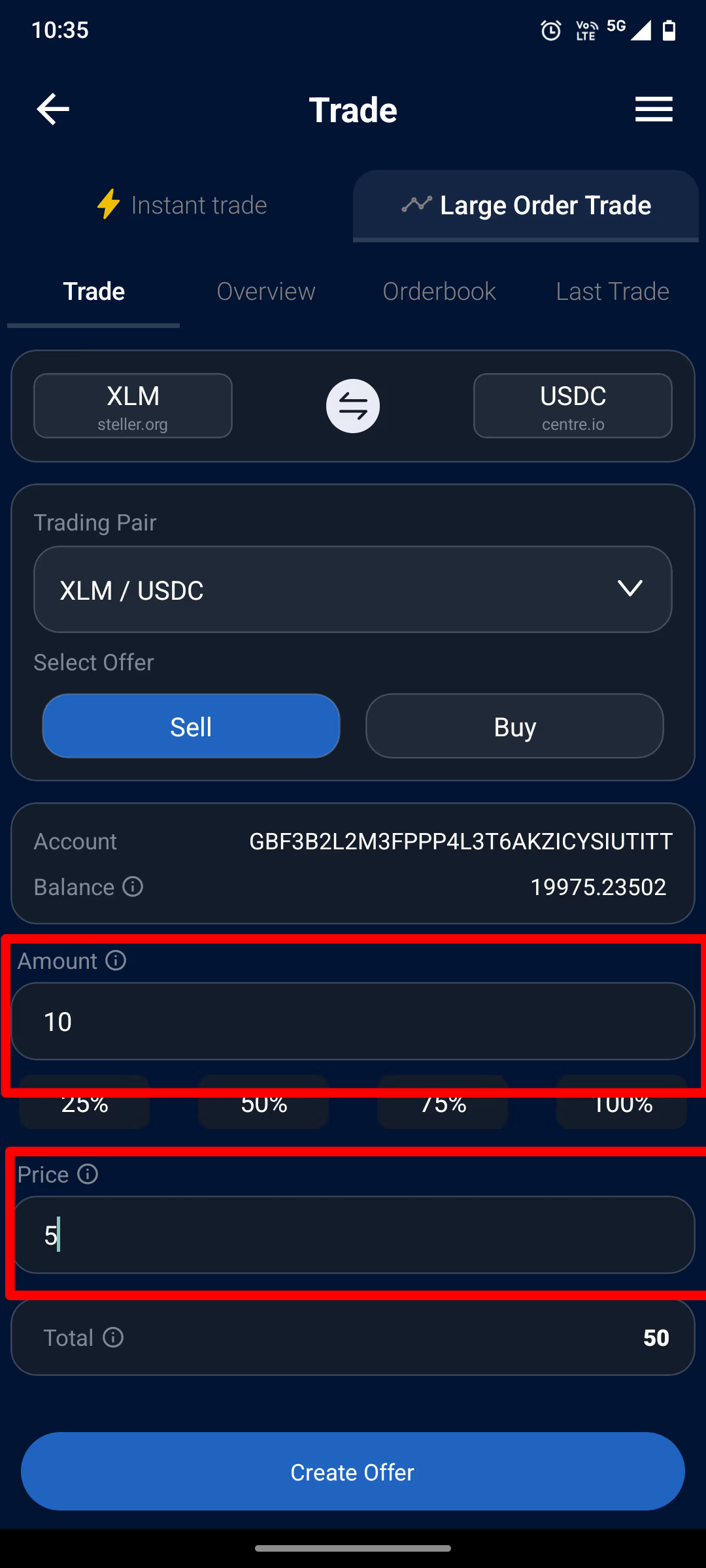
Set Conversion Terms
Define the amount and your preferred conversion rate.
-
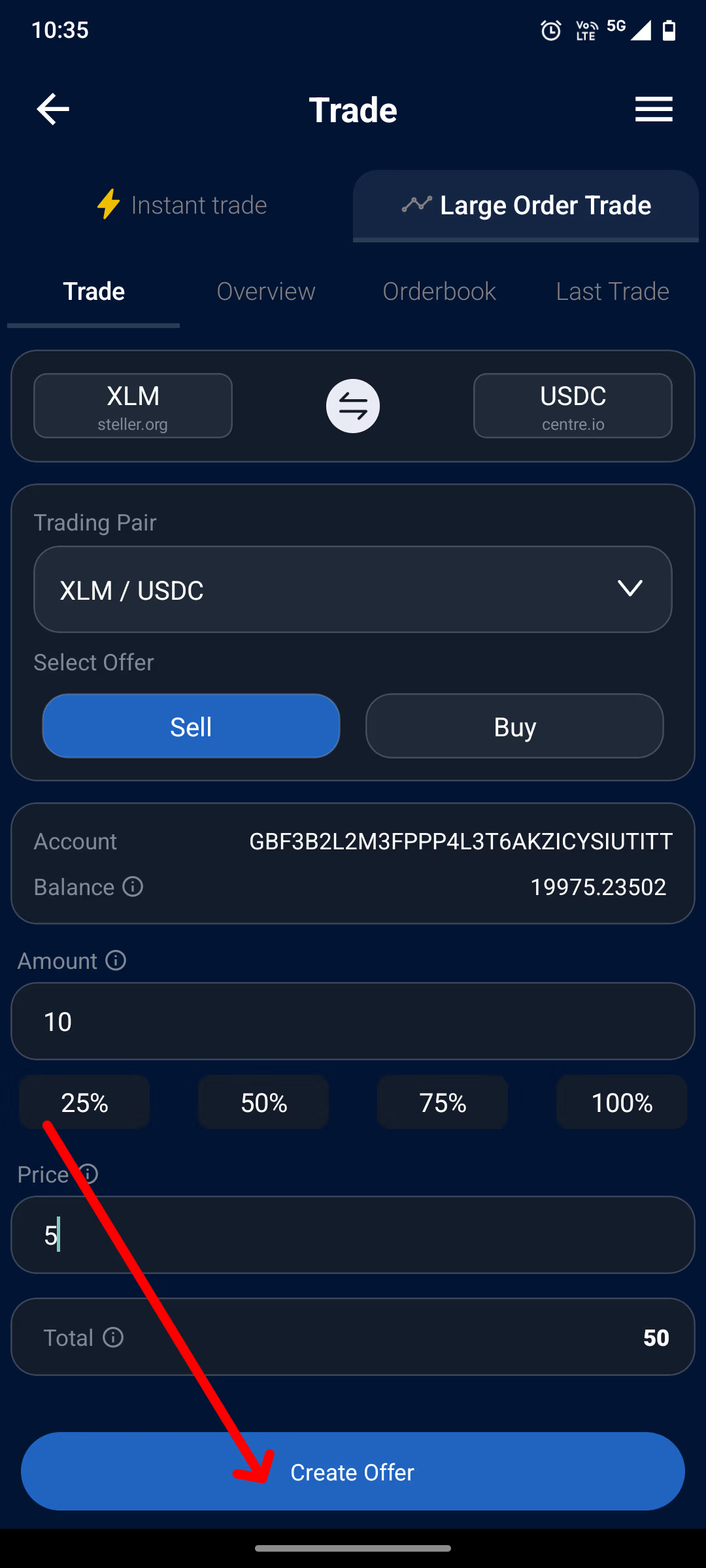
Create Conversion Offer
Tap ‘Create Offer’. Your offer will appear in the offer pool until it is completed or cancelled.
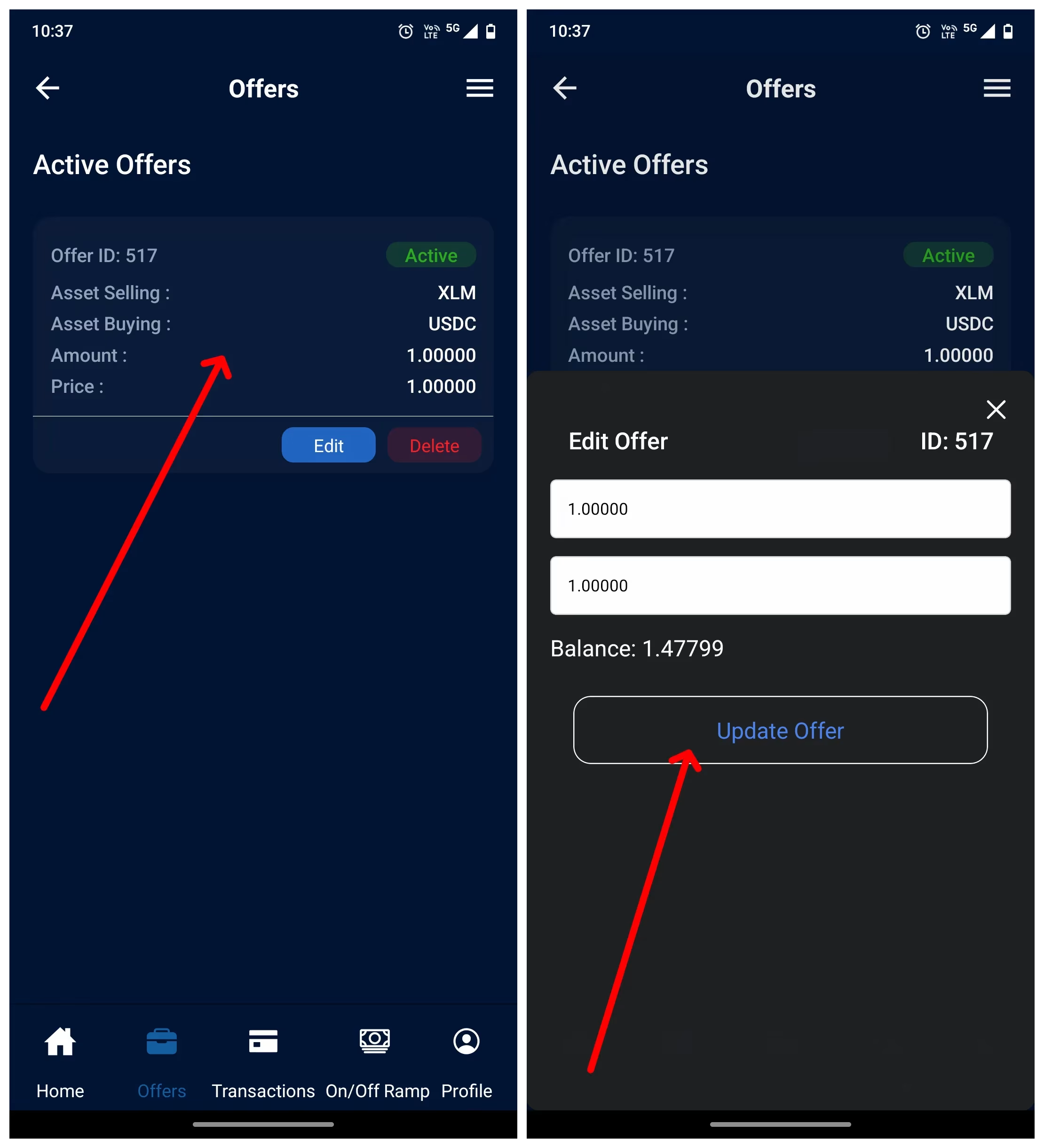
Managing Your Offers
You can view, update, or cancel active conversion offers from the Offers section at any time.