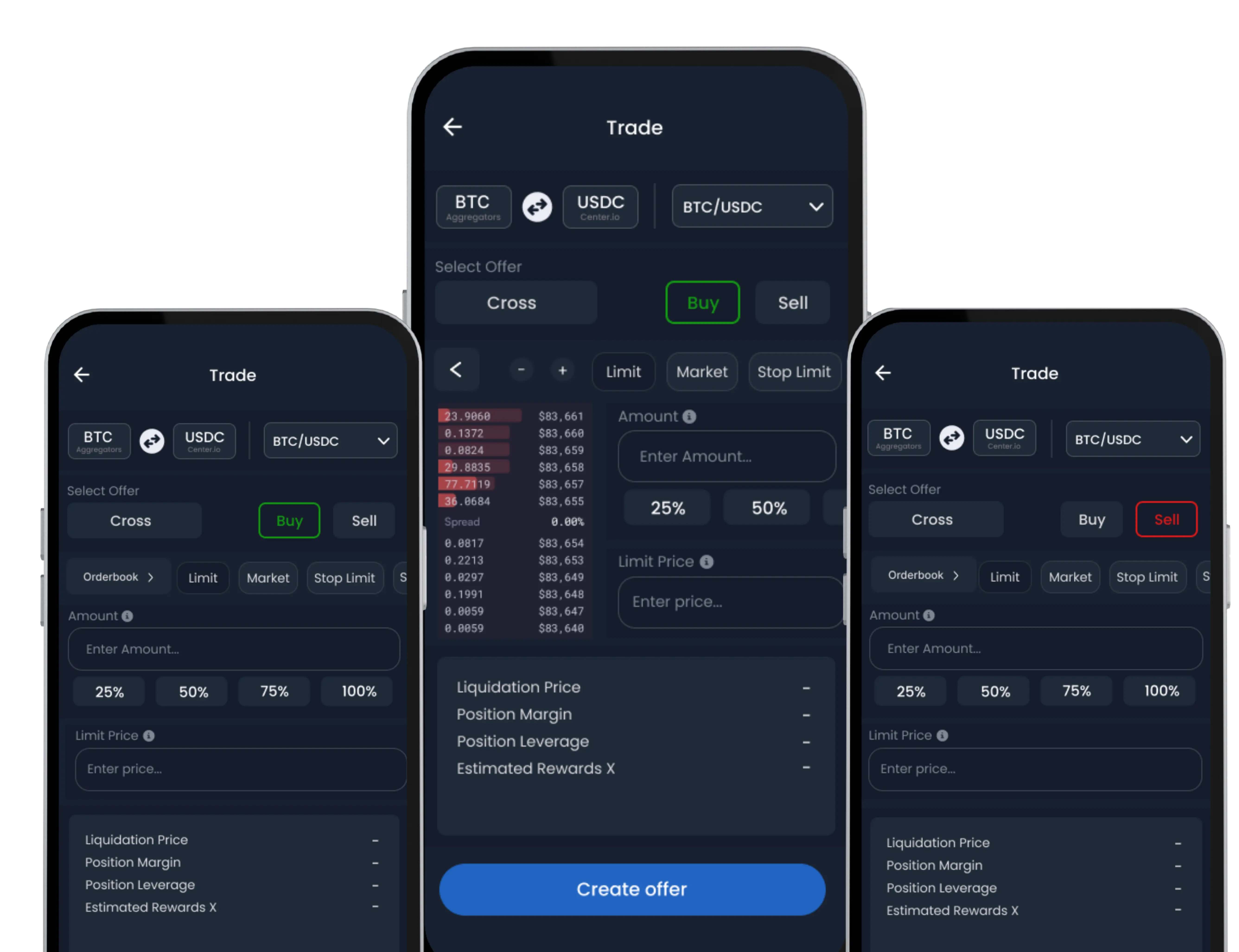
SwiftEx allows seamless management of your USDC holdings and other assets directly through the app’s Exchange interface. Whether you’re preparing to trade, swap, or hold, importing USDC to your Trade Wallet is fast and efficient. Please note: This feature requires Trade Wallet activation before use.
What Is USDC Import?
USDC (USD Coin) is one of the most commonly used stablecoins in crypto trading. SwiftEx enables you to import USDC from your wallet to your Trade Wallet so it can be used for spot trades, swaps, or large-order executions directly on the platform.
How to Import USDC
-
Go to the Exchange Tab
Open the SwiftEx App. Tap on the ‘Exchange’ tab from the bottom navigation bar.
-
Tap on Import USDC
Look for the ‘Import USDC’ button on the screen. Tap it to begin the import process.
-
Select Your Network and Asset
Choose the blockchain network where your USDC is currently held (e.g., Ethereum, BSC, Polygon). Confirm the correct asset type (USDC).
-
Enter Amount to Import
Specify the amount of USDC you’d like to transfer into your Trade Wallet. Ensure you have enough gas/native token in your sending wallet to cover the transaction fee.
-
Review the Quote
SwiftEx will fetch real-time quotes from available providers to give you the best possible rate and execution path. Carefully check the exchange rate and expected final balance.
-
Confirm the Import
Once satisfied, tap ‘Confirm’ to finalize the transaction.
-
USDC Received in Trade Wallet
After confirmation, your imported USDC will reflect in your Trade Wallet under the ‘Assets’ section. It’s now available for trading, swapping, or transferring.