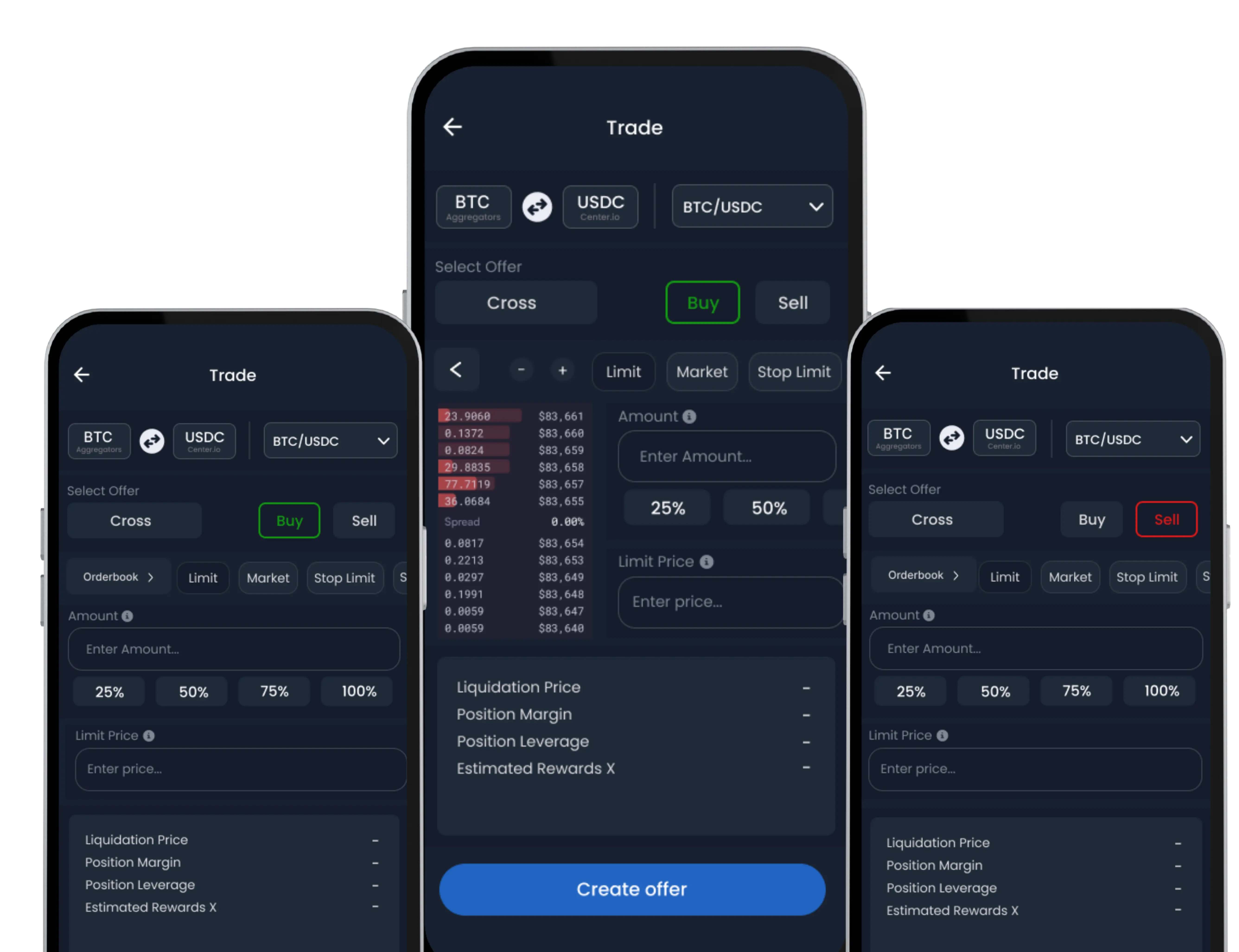
After completing a buy or sell transaction in the SwiftEx App, you can view all transaction details, including dates, amounts, currencies, and status.
How to View Transaction History
-
Navigate to Settings
Open the SwiftEx App and go to the Settings section.
-
Select Transaction History
Tap Transaction History to view a complete list of your transactions.
Contact Support
For help with viewing transaction history or any issues, reach out via the SwiftEx App or email support.