
Send & Receive Assets in SwiftEx

Modified on Fri, 20 Jun 2025 at 11:27 AM

SwiftEx lets you send and receive supported assets between your connected wallets with ease.

Sending Assets

  1. Open Manage Assets
  2. Select Asset
  3. Confirm Active Wallet
    The destination wallet is selected automatically.
  4. Confirm Send

Receiving Assets

Use the receive option to view your wallet address or QR code for supported networks.
Was this article helpful?

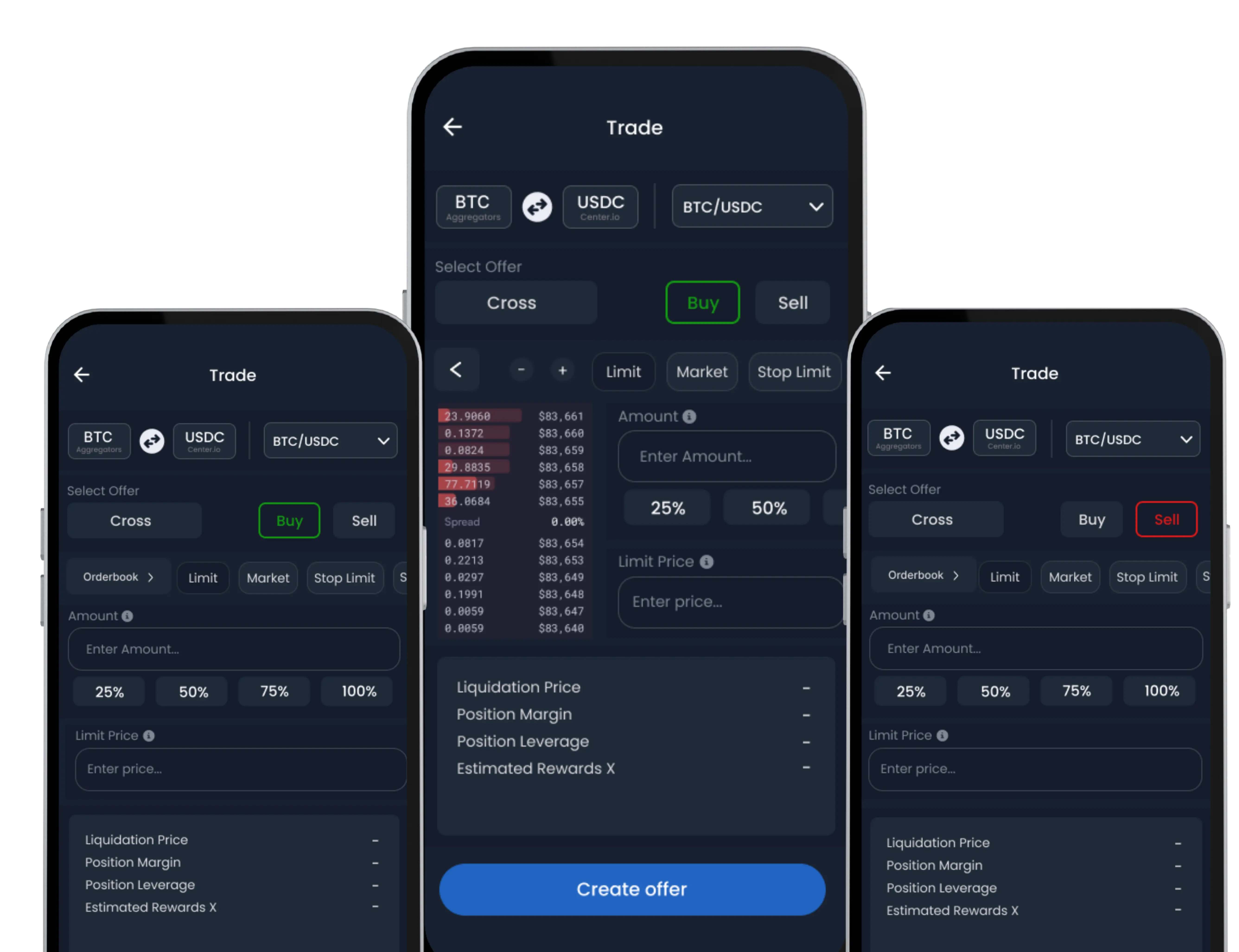
SwiftEx Mobile App Mockups

Download the SwiftEx app today

Download on App StoreGet it on Google Play

Join the Waitlist

Be the first to experience our revolutionary crypto app. Sign up now!

Join 1,000+ others
Early accessExclusive features

Have more questions?

SwiftEx support is available 24/7 from within the app! Or contact us at info@swiftexchange.io

Contact us