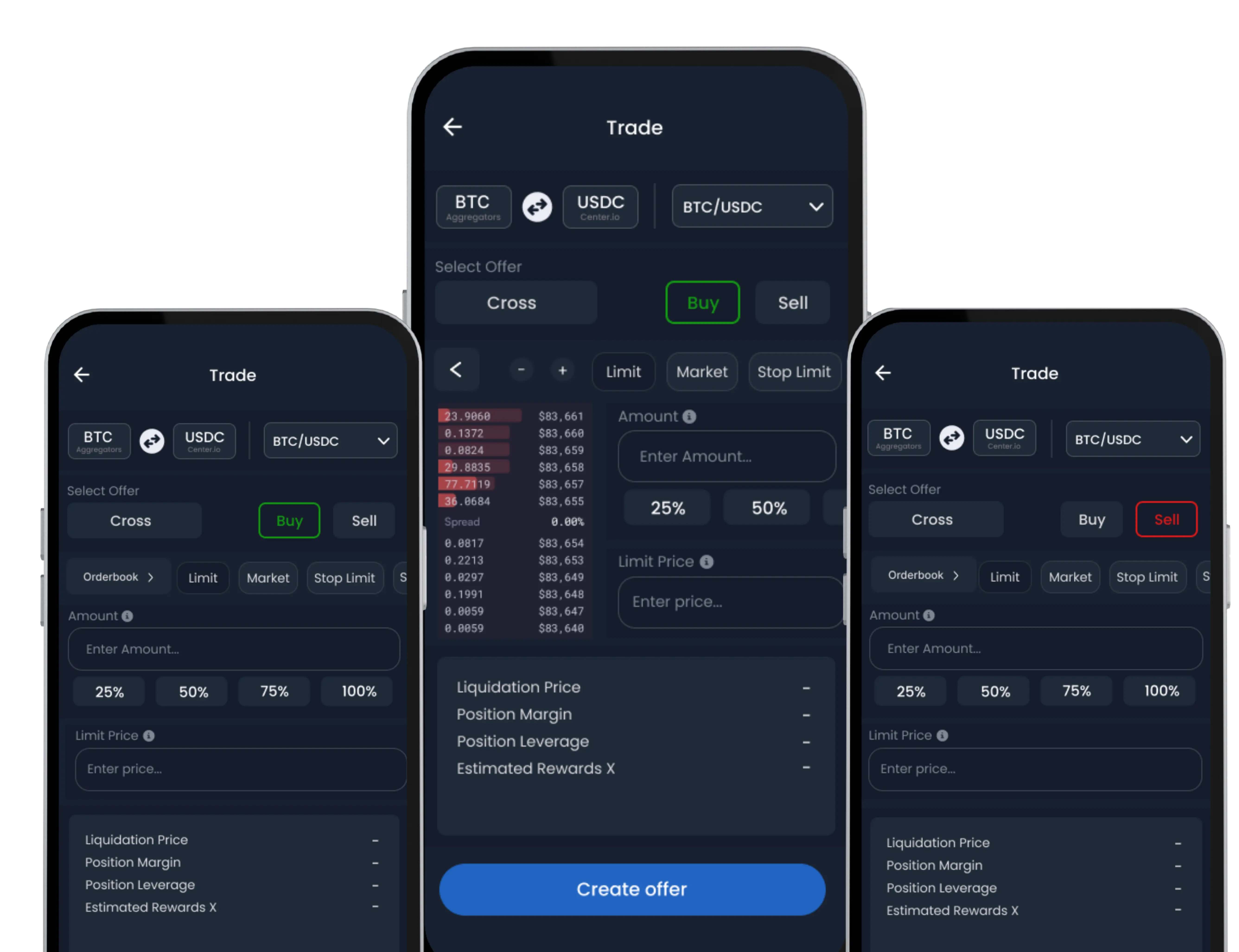
The Instant Trade feature on SwiftEx allows you to quickly swap between supported token pairs with real-time market execution. It’s ideal for users who want fast conversions without navigating complex order books or charts.
Note: This feature requires Trade Wallet activation before use.
Follow these simple steps to quickly swap one cryptocurrency for another using the Instant Trade feature:
Step 1: Navigate to Instant Trade
From the default Wallet screen, tap on the ‘Exchange’ tab in the bottom navigation menu.
On the Exchange screen, select the ‘Trade’ option, and then choose ‘Instant Trade’.

Step 2: Select Your Trading Pair
Within the Instant Trade interface:
• Choose the cryptocurrency you wish to sell (e.g., BTC, ETH).
• Choose the cryptocurrency you wish to buy (e.g., USDT, USDC).
You can initiate trades between any supported crypto pairs, subject to the available liquidity in the network.

Step 3: Enter Transaction Amount
Enter the amount of the cryptocurrency you intend to sell or the amount of the cryptocurrency you wish to buy.
The system will automatically calculate the corresponding equivalent value for the other cryptocurrency, based on real-time market rates.

Step 4: Review Your Trade Details
Before confirming, carefully review all the trade information presented:
• Exchange Rate: The current conversion rate between your selected tokens.
• Slippage Tolerance: The maximum percentage change in price you are willing to accept during execution.
• Estimated Network Fee: The approximate cost for processing the transaction on the blockchain.
• Minimum Received: The minimum amount of the buy token you are expected to receive.
It's crucial to ensure that the exchange rate and network fees meet your expectations before proceeding with the swap.

Step 5: Confirm Your Instant Swap
Once you have verified all details and are satisfied, tap ‘Swap Token’ to finalize and initiate your trade.
Your instant swap will be executed at the best available market price, drawing real-time quotes from our integrated liquidity providers.
After a successful transaction, you can check the full details in your Transaction History.