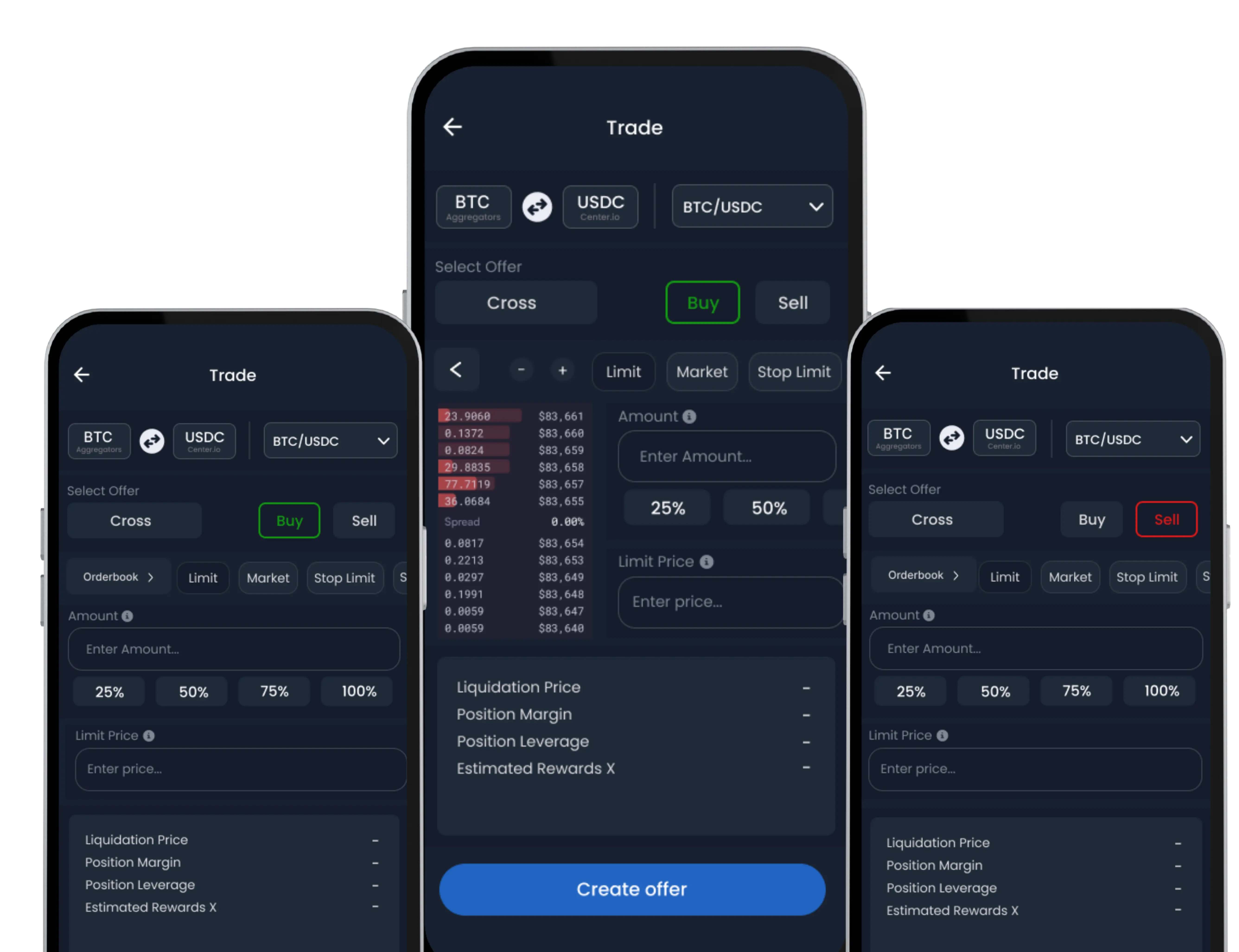
Once your Trade Wallet is activated on SwiftEx, you can send and receive assets directly from the Exchange Wallet with ease. This enables seamless on-chain transfers for supported tokens, helping you manage your portfolio efficiently.
Sending Crypto from Trade Wallet
If you’d like to send tokens directly from your Exchange Wallet, follow the steps below:
-
Go to the Assets Section
Open the SwiftEx App. Tap on the ‘Exchange’ tab at the bottom. Navigate to the ‘Assets’ section.
-
Choose the Token
Select the specific crypto asset you wish to send from your Trade Wallet (e.g., USDC, ETH, XLM).
-
Enter Transaction Details
Input the recipient’s wallet address carefully. Enter the amount you wish to send.
-
Confirm and Send
Tap the ‘Send’ button. Review the summary of your transaction. Tap ‘Confirm’ to authorize the transfer. Double-check the wallet address before sending. Crypto transactions are irreversible once processed.
Receiving Crypto into Trade Wallet
Want to receive crypto directly into your SwiftEx Exchange Wallet? Here’s how:
-
Go to the Receive Section
Tap on the ‘Assets’ tab under Exchange.
-
Select the Token
Choose the token you’d like to receive (e.g., USDT, USDC, ETH). Tap ‘Receive’ on the top menu. You will be shown a QR code and a wallet address specific to that token.
-
Share Your Address
Copy the address or share the QR code with the sender. Wait for the transaction to be confirmed on-chain. Ensure the sender uses the correct blockchain network and token version when transferring.
Security Reminder
Receiving and sending assets from your Trade Wallet requires network-specific wallet addresses. Always confirm the network compatibility before initiating transactions.